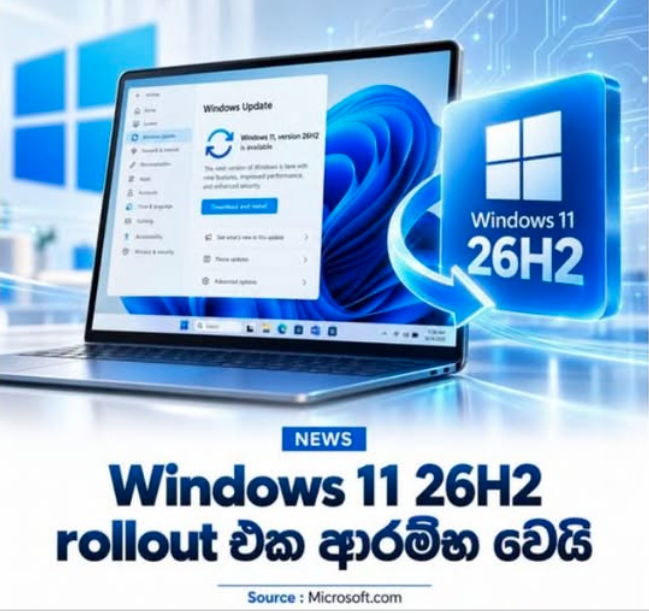
Microsoft has officially begun rolling out Windows 11 version 26H2, the major feature update for 2026, to eligible PCs. Because this update shares the same underlying servicing platform as Windows 11 24H2 and 25H2, it is delivered as a lightweight enablement package rather than requiring a massive, full OS reinstall. According to Microsoft, most systems will only require a single restart to complete the installation process.
What’s New in Windows 11 26H2?
1. File Explorer Gets Built-In AI Actions
The most noticeable upgrades in version 26H2 land right inside File Explorer. Users can now execute AI-driven actions directly on supported files without launching separate applications—such as quick image editing or document summarization.
- Instant Document Summaries: Using the new Summarize action, you can generate concise document summaries via Copilot for files stored in OneDrive or SharePoint without even opening the document. (Note: This feature may require an applicable Microsoft 365 subscription and a Copilot license.)
- Hover Quick Actions: For users signed into work or school accounts, hovering over a file in File Explorer Home displays convenient shortcuts like Open file location and Ask Copilot, letting you trigger AI workflows directly from your folder structure.
2. Enhanced File Explorer Usability & Archive Support
Beyond AI integrations, Microsoft has packed several core productivity enhancements into File Explorer:
- Expanded Archive Support: Native support has been added for additional archive formats, including .uu, .cpio, .xar, and .nupkg (NuGet Packages).
- Voice Typing for Renaming: You can now rename files and folders using Windows Voice Typing.
- Persistent Folder Preferences: Improved memory for folder-specific View and Sort settings across sessions.
- Faster Startup: Accelerated launch speeds for File Explorer Home.
3. Smarter Windows Search
Windows Search receives a notable performance and user experience boost in 26H2:
- Instant Previews: Preview search results directly within the search panel without opening the underlying app or file.
- Improved Fuzzy Matching: Search accurately locates relevant applications even if you mistype or enter incomplete app names.
- Clearer Result Categorization: Search outputs now explicitly categorize results into Apps, Settings, Files, or Web results for faster navigation.
How to Get the Windows 11 26H2 Update
Microsoft is deploying version 26H2 via a controlled feature rollout, meaning availability will vary based on device compatibility, hardware configuration, and known issue safeguards.
If you are running an eligible PC on Windows 11 24H2 or 25H2, you can check for the update manually:
- Open Settings (Win + I).
- Navigate to Windows Update.
- Toggle on "Get the latest updates as soon as they're available."
- Click Check for updates.