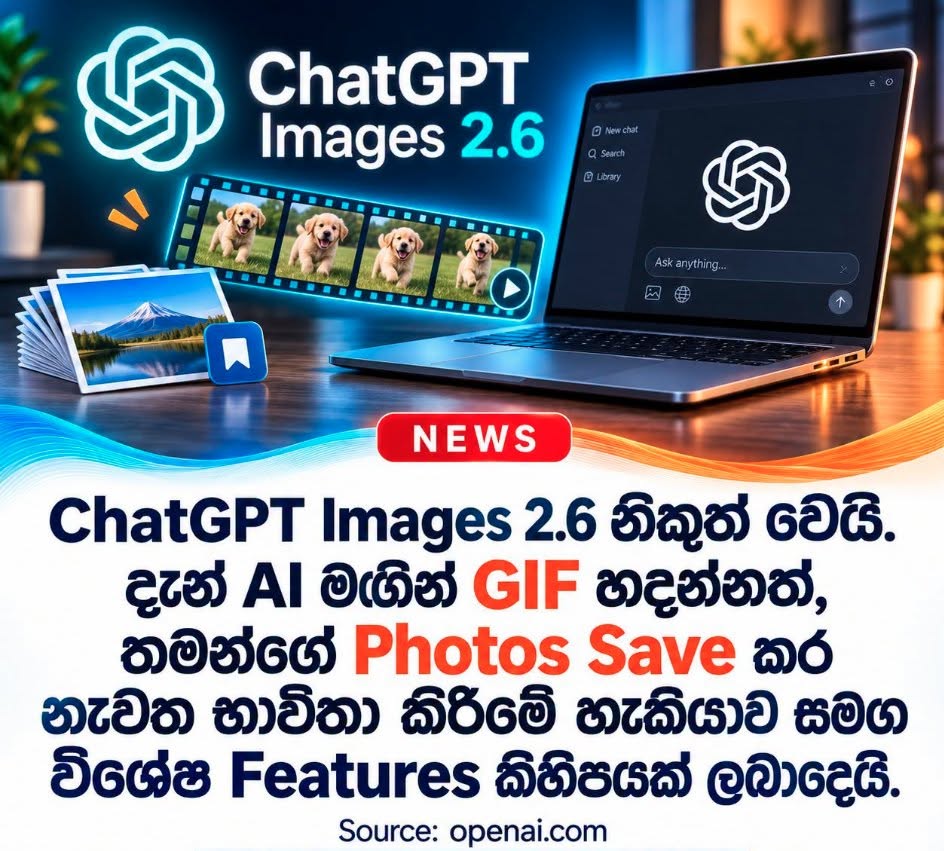
OpenAI has taken another major leap forward in AI-driven visual creation with the launch of ChatGPT Images 2.6. Announced on November 4, 2026, this comprehensive update pushes ChatGPT far beyond standard static image generation—introducing native Animated GIF creation, Saved Reference Images, precision editing tools, and a 50% boost in generation speed.
What makes the Images 2.6 update stand out is its broad versatility. While everyday users and social media content creators get fun, intuitive tools for quick visual storytelling, professional graphic designers and software developers gain powerful workflow upgrades and API capabilities.
Quick Summary: What’s New in ChatGPT Images 2.6?
| Feature / Upgrade | Target Audience | Key Benefit |
|---|---|---|
| Animated GIF Generation | Creators, Marketers, Everyday Users | Create looping GIFs with speed controls from text prompts or uploaded photos. |
| Saved Reference Images (@tag) | Designers, Brands, Content Creators | Save characters, pets, or products once and reuse them across chats with @Name. |
| 50% Faster Generation | All Users | Faster iteration cycles and improved layout quality for posters and product visuals. |
| Enhanced Character Consistency | Designers, E-commerce Brands | Edit backgrounds or scenes without altering outfits, logos, or product details. |
| Image Markup (Inpainting API) | Users & Developers | Highlight specific areas to remove or modify objects; now available via the OpenAI API. |
| SVG Export | Developers & Web Designers | Generate scalable, editable vector graphics (SVG) via the API for logos, icons, and print. |
| Flare & Sunburst API Models | Software Developers | Two specialized API models balancing ultra-fast generation (Flare) vs. high precision (Sunburst). |
| Complexity Parameter | Software Developers | Independently control how much "planning" the AI performs before rendering an image. |
1. Create Animated GIFs Directly in ChatGPT
The headline feature of the ChatGPT Images 2.6 update is native Animated GIF generation. Previously limited to static images, ChatGPT can now bring visuals to life using either a text prompt or an uploaded reference photo.
For example, you can upload a photo of your pet and prompt ChatGPT to animate it waving its paw. Once generated, ChatGPT provides built-in controls to:
- Adjust the playback speed of the GIF.
- Create seamless looping animations.
- Easily download and share the GIF across platforms.
For social media managers, digital marketers, and creators, this makes building custom social media memes, reaction GIFs, animated brand mascots, and marketing content effortless.
2. Saved Reference Images: No Need to Re-Upload Photos
Maintaining visual continuity across separate sessions has historically been a friction point in AI image generation. With Saved Reference Images, you can now upload photos of specific people, pets, brand mascots, or fictional characters and save them under a dedicated name.
How It Works:
- Upload a photo (for example, a picture of your dog) and save it as a reference named Pepper.
In any future chat—without re-uploading the photo—simply tag @Pepper in your prompt:
"Create a watercolor portrait of @Pepper sitting in a beautiful garden."
- ChatGPT automatically pulls the saved reference to generate the new scene while keeping the subject's appearance consistent.
This feature is a game-changer for content creators, graphic designers, and brand owners who need to place the same character or product across multiple campaigns while maintaining strict visual consistency.
3. 50% Faster Image Generation & Better Layouts
According to OpenAI, Images 2.6 increases overall image generation speed by 50% compared to the previous version.
For power users, faster generation translates to significantly shorter iteration cycles when tweaking prompts and refining concepts. Alongside the speed boost, OpenAI has upgraded layout quality, making the model noticeably better at structuring professional visuals like poster designs, product photography, and marketing banners.
4. Upgraded Image Editing and Character Consistency
One of the most common frustrations with AI image editors is unintended collateral changes—modifying one small detail in an image often causes the AI to subtly alter the subject's face, clothing, or background details.
ChatGPT Images 2.6 significantly tightens editing precision and consistency. You can now swap out a person’s background without altering their outfit, or place a commercial product into a completely new environment without warping its packaging or typography. Key improvements include preserving:
- Character appearances and outfits across multiple edits.
- Product shapes, proportions, and fine details.
- Brand logos and label typography.
- Overall visual integrity of the original composition during multi-step edits.
5. Image Markup: Point-and-Edit Now Available in the API
To make targeted edits more intuitive, the Image Markup tool allows users to visually highlight or brush over a specific area of an image and request localized changes—such as circling an unwanted background object and asking ChatGPT to remove or replace it.
While Image Markup was previously available inside the ChatGPT interface, the 2.6 update officially brings this capability to developers via the OpenAI API. Software developers can now integrate precise, region-specific AI inpainting and editing directly into third-party design apps and automated creative workflows.
6. SVG Export: Generate Editable Vector Graphics
Another major addition for design workflows is SVG (Scalable Vector Graphics) Export. Unlike standard raster formats (PNG or JPEG) that pixelate when enlarged, SVG files use mathematical paths that can be scaled infinitely without losing quality.
- Ideal Use Cases: Logo design, UI/web icons, scalable web graphics, and high-resolution print projects.
- Developer Note: SVG Export in Images 2.6 is specifically introduced as an API capability for developers, rather than a standard consumer ChatGPT chat feature, enabling web apps and design platforms to generate production-ready vector assets programmatically.
7. Two New AI Image Models for Developers: Flare and Sunburst
Alongside the consumer updates, OpenAI has launched two specialized API models under the Images 2.6 family, allowing developers to optimize for either speed or maximum fidelity:
GPT-Image-2.6 Flare (Built for Speed)
Designed for high-speed, real-time, or high-volume image generation workflows:
- Ultra-fast rendering times.
- Enhanced layout structure for posters and product mockups.
- Capable of generating an image in as little as 6 seconds when using the Low-Quality setting.
GPT-Image-2.6 Sunburst (Built for Precision & Quality)
Engineered for demanding creative workflows where visual accuracy and detail are paramount:
- Superior overall visual fidelity and photorealism.
- Best-in-class character and product consistency during complex edits.
- Delivers intricate textures and fine details under Medium and High-Quality settings.
8. The New "Complexity Parameter": Controlling How Much the AI Plans
Rounding out the developer upgrades is the new Complexity Parameter in the OpenAI API. This setting allows developers to control how much computational "planning" and reasoning the AI model performs before generating or editing an image.
- Low Complexity: Ideal for simple edits or straightforward prompts where low latency and fast output are the priority.
- Medium / High Complexity: Best for intricate scenes with multiple subjects, strict spatial arrangements, or detailed editing instructions.
Crucially, Complexity and Quality operate as two independent controls:
- Quality dictates the final visual resolution, texture detail, and rendering finish of the image.
- Complexity dictates the depth of compositional planning and instruction-following the AI executes before rendering.
Frequently Asked Questions (FAQ)
When was ChatGPT Images 2.6 released? OpenAI officially announced and rolled out the ChatGPT Images 2.6 update on November 4, 2026.
Can ChatGPT create animated GIFs now? Yes. With ChatGPT Images 2.6, users can generate looping animated GIFs from text prompts or uploaded images, adjust playback speeds, and share them directly.
How do Saved Reference Images work in ChatGPT? You can upload an image of a person, pet, or character and save it with a custom name (e.g., Pepper). In future chats, typing @Pepper in your prompt lets ChatGPT use that exact visual reference without needing to re-upload the file.
What is the difference between GPT-Image-2.6 Flare and Sunburst? Both are OpenAI API models for developers. Flare is optimized for speed (generating images in as little as 6 seconds on low settings), while Sunburst is optimized for maximum image quality, intricate detail, and strict character/product consistency.
Tags: #OpenAI #ChatGPT #ChatGPTImages26 #AIImageGeneration #AnimatedGIF #GraphicDesign #WebDevelopment #OpenAIAPI #TechNews #ContentCreation